Creative Editor
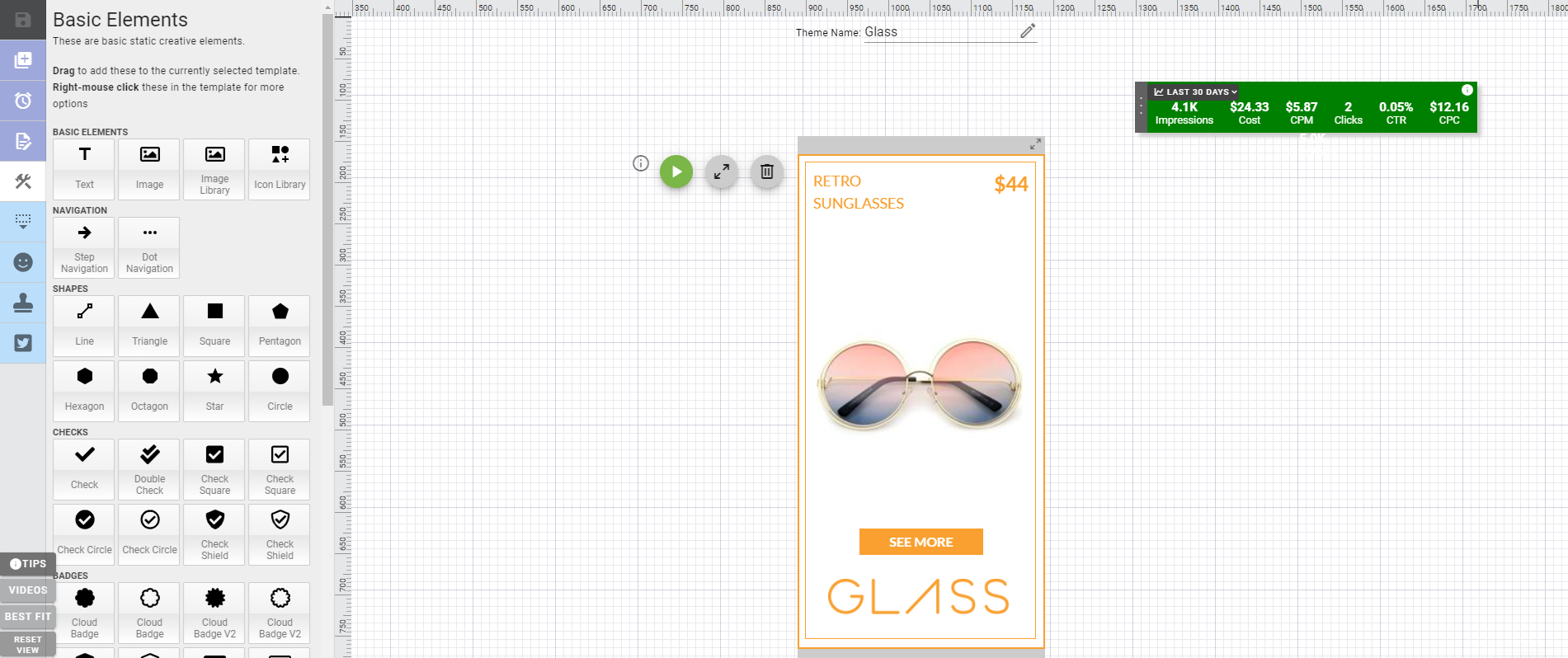
The creative editor is where you will build your ads – either from a template or from scratch. You can adjust your ads at any time by changing the text, call-to-action or imagery.
Here you will find a ton of features such as image libraries, text widgets, animations and more. The creative editor was built so you can build your ads all in one place.
The creative editor gives you full freedom to build your ads the way you want. To learn more about how to use some of the more advanced features check out ‘Editing & Customizing Ads – Advanced”.
New Features
Quick Fill
The quick fill feature allows you to copy text information from one template to another. Text information like product title, price, CTA can be easily added to all template sizes by using this feature.
This feature saves you time, so you don’t have to manually enter your text information for each template size.
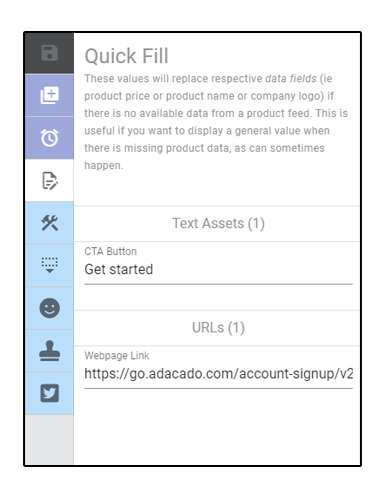
Image Library
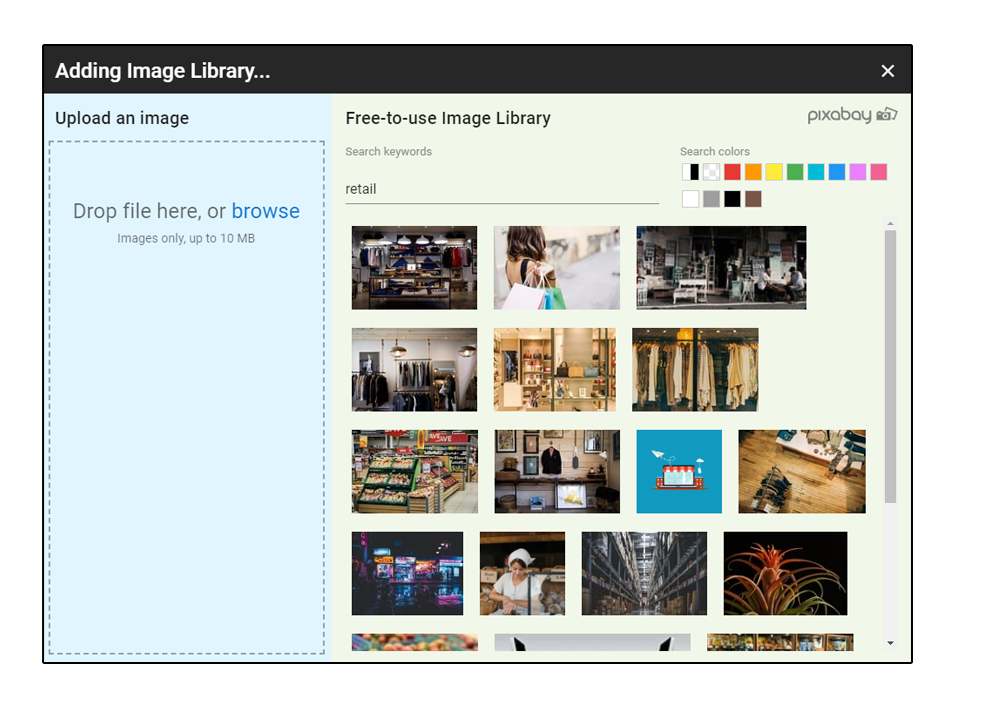
Browse through thousands of high quality, free stock images to use in your ads. Type in a keyword, and images will appear in relation to your keyword.
These images are great as backgrounds, and they can be used in conjunction with your own images.
Imagery is so important in advertising, as it is what makes your ads stand out from the rest. This is why Adacado provides you free access to millions of stock images.
Icons
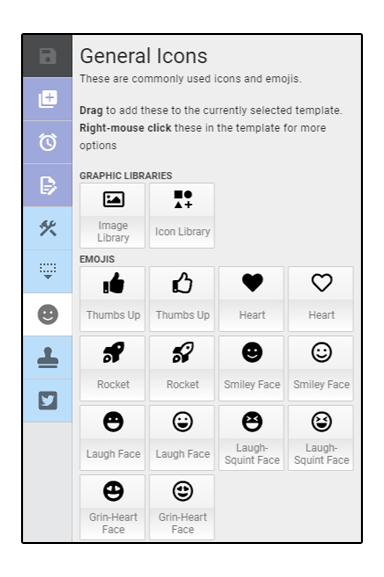
Icons or vector graphics are another great way to add visual effects to your ads. Browse through the icon gallery and choose from thousands of icons. Some examples of icons include: weather, retail, social media, auto and more!
Text Widget
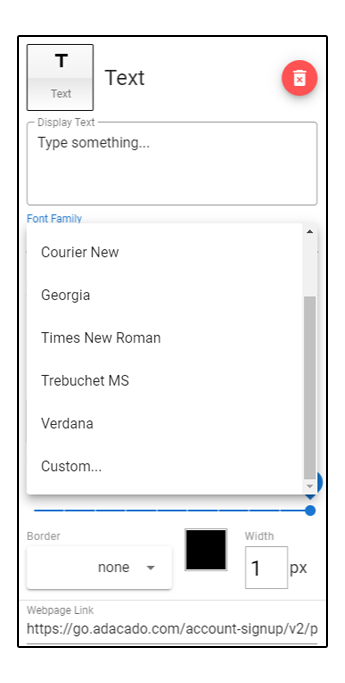
The text widget is where you will say what you wanna say with your ads!
Here you can choose your font style and font weight, but also upload your own custom fonts to fit your brand style.
Preview Button
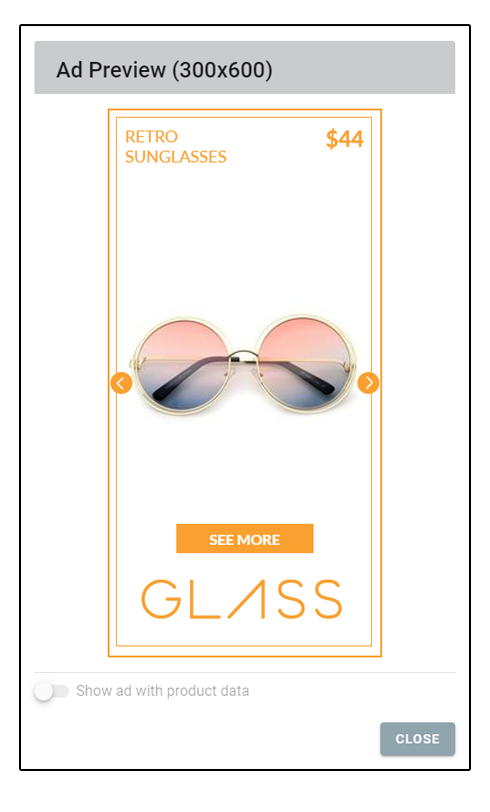
Built your ads, but curious about how they look live? You can preview your ads right in the editor. Click the green play button and your ads will appear as if they were live.
This feature allows you to see how your ad would appear on a webpage. From here you can make any necessary changes you see fit.